How to Fix a Blink in a Photo (Without Reshooting)
Someone blinked and the moment is gone? Here is how to fix a blink in a photo — from burst-mode swaps to AI retakes that reopen closed eyes without a reshoot.
 Refire Team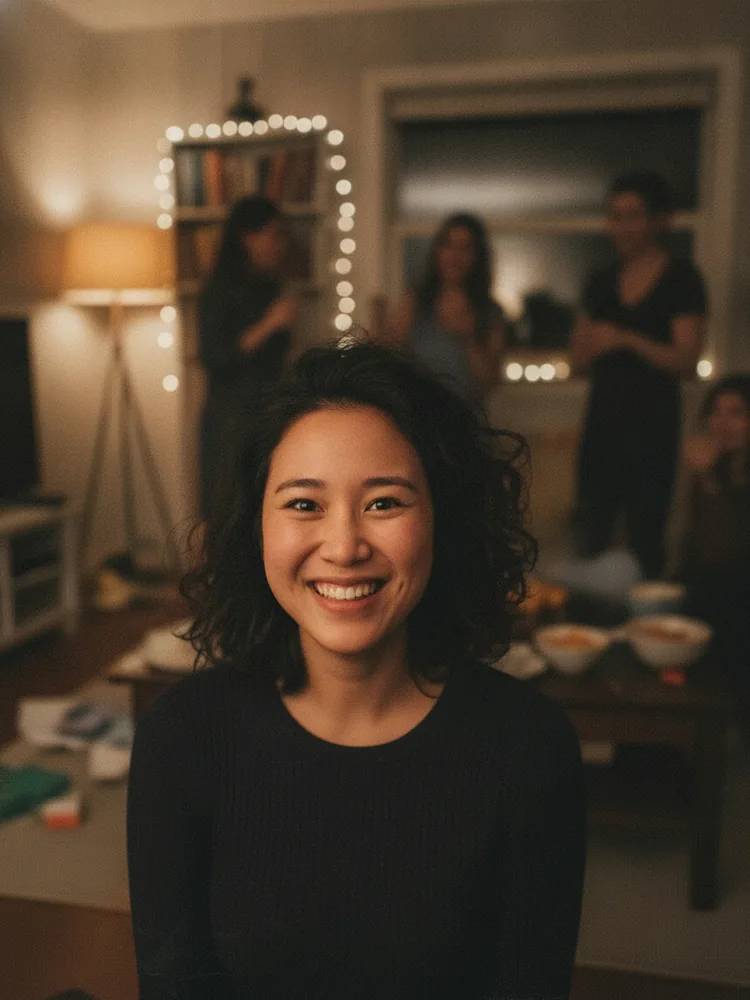
The group photo is perfect except for one thing. You blinked.
Everyone is smiling. The light is right. And your eyes are shut. By the time anyone notices, the moment is over — the birthday candle is blown out, the toast is done, the kids have run off.
You don't need a reshoot. Here's how to fix a blink in a photo, from the free tricks to the one-tap fix.
Why blinks ruin so many photos
Blinking is constant. You blink 15 to 20 times a minute, and each blink lasts a tenth of a second or more. A camera shutter fires in a fraction of that. So every photo of a person is a small lottery.
The odds get worse in the situations that matter most:
- Group shots. With five people in the frame, the chance that at least one person is mid-blink jumps fast. Take one photo of a big group and somebody is almost always blinking.
- Flash photography. The pre-flash makes people blink, and the main flash captures the result.
- Slow countdowns. "Three, two, one—" and everyone's eyes are tired from holding a smile.
None of this is your fault. It's biology meeting a shutter.
Fix 1: Check burst mode first (free)
The cheapest fix is already on your phone.
If you took the shot as a burst — or your phone captured a short clip around the shutter press — there may be a better frame hiding next to the bad one. On iPhone, open the photo and tap Edit, then scroll through the frames of the Live Photo. On Android, check the motion photo or the burst stack in Google Photos.
One frame earlier or later, your eyes are often open. Pick that frame, save it as the key photo, done.
The catch: burst frames are lower resolution, and the "good" frame might have a worse expression on everyone else. It works when it works.
Fix 2: Take more shots next time (prevention)
If you're still at the scene, don't take one photo. Take five.
Photographers call this the safety net. Fire off a quick series, then pick the frame where everyone's eyes are open. It costs nothing and solves the problem at the source.
But this only helps if you catch the blink while everyone is still standing there. Most blinks are discovered hours later, at home, when reshooting is off the table.
Fix 3: Copy eyes from another photo (manual)
The classic Photoshop move: take the open eyes from a similar photo and paste them onto the blink.
It can look perfect — if you have a matching shot from the same angle, in the same light, at the same distance. And if you're comfortable with layers, masks, and blending. For most people this is twenty minutes of fiddling for an uncanny result. Worth knowing about; rarely worth doing.
What won't fix a blink
A quick warning about two dead ends:
- Generic eye stickers or clipart eyes. They don't match your eye shape, your skin texture, or the light. The result screams "edited."
- Sharpening or "enhance" filters. A blink is missing information, not low quality. Sharpening closed eyelids just gives you crisper closed eyelids.
If the fix doesn't understand faces, it can't fix a face.
Fix 4: Let AI retake the shot (one tap)
This is where it gets easy. Modern AI photo retake tools don't paste eyes from somewhere else. They look at your face in the photo — and in the other photos of you on the same roll — and regenerate just the part that went wrong. Eyes open. Same face, same light, same everything else.
A good retake tool keeps three things intact:
- Identity. It still looks like you, not like a stranger wearing your shirt.
- The scene. Background, lighting, and framing stay untouched.
- The moment. Everyone else's expression stays exactly as it was.
Here's a real blink fix from our own pipeline — eyes closed on the left, the same photo retaken on the right:
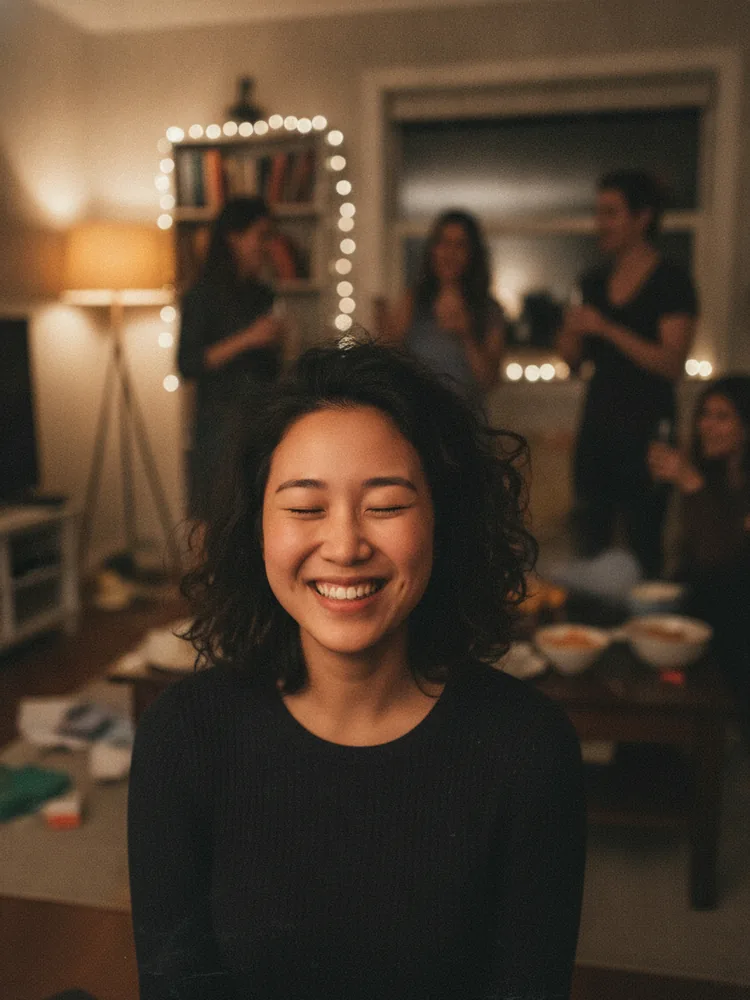
The whole thing takes seconds. No layers, no masks, no "can everyone get back together for one more?"
When to use which fix
- Live Photo or burst exists? Scroll the frames. Free and instant.
- Still at the scene? Shoot five, pick one.
- One great photo, one blink, no other frames? AI retake. It's the only option that doesn't need extra material or editing skills.
We built Refire for exactly this moment — the almost-perfect photo. Upload the blink, tap once, get the same shot back with your eyes open. No weekly subscription nonsense; you can see exactly what it costs on our pricing page. Photos are deleted after processing, so your camera roll stays yours.
Don't delete the photo. Fix the blink.