Why Your Photos Come Out Blurry (and How AI Can Save Them)
Motion blur, missed focus, low light — why phone photos come out blurry and how to fix a blurry photo, from free tricks to AI deblur that actually works.
 Refire Team
The moment was right. The photo is mush.
You look at the screen and the face is soft, the edges are smeared, and everything has that ghostly double outline. This is the most common way a good photo dies — and the good news is that blur is one of the most fixable problems in photography, if you know which kind you're dealing with.
Why photos come out blurry
Blur isn't one problem. It's four different problems that look similar. Figuring out which one hit you tells you whether the photo can be saved.
1. Motion blur — the subject moved
Kids, dogs, dancing, anything fun. The shutter was open too long, and the subject moved during that time. The result: streaks and smears in the direction of the movement.
This happens most in low light, because your phone compensates for darkness by holding the shutter open longer.
2. Camera shake — you moved
Same effect, different culprit. Your hand moved while the shutter was open. The whole frame is uniformly soft, sometimes with a visible direction to the smear. One-handed shots and zoomed-in shots are the usual victims — zoom amplifies every tiny hand movement.
3. Missed focus — the camera guessed wrong
Autofocus locked onto the background instead of the face. The subject is soft while the wall behind them is tack sharp. Tap-to-focus fails in backlit scenes, through glass, and when the subject is moving toward you.
4. Low light noise — the "watercolor" look
In the dark, your phone cranks up sensitivity, then smears away the resulting noise with aggressive processing. Faces turn into plastic. Technically this isn't blur, but it looks like it — and it responds to the same fixes.
The fixes that don't involve AI
Before reaching for software, run through the honest list:
- Reshoot, if you still can. More light, two hands, elbows tucked. Tap the face to focus. This is always the best fix — nothing beats a sharp original.
- Check for a better frame. Same trick as with blinks: burst mode and Live Photos often contain a sharper neighbor frame.
- Crop instead of zoom. If the blur came from digital zoom, the uncropped original may be sharper than the zoomed version you saved.
If none of these apply — the moment is gone and this soft photo is all you have — it's time for software.
What sharpening actually does (and doesn't)
Every editor has a sharpen slider. Here's the truth about it: sharpening doesn't recover detail. It adds contrast to edges that already exist. A slightly soft photo gets crisper. A genuinely blurry photo just gets grainy and harsh, with the same smeared face underneath.
Sharpening helps when the photo is 90% there. It does nothing for the other cases.
How AI fixes a blurry photo
Real deblur is a different job from sharpening. Instead of boosting edges, an AI model looks at the smeared pixels and reconstructs what the sharp version most likely was — it has seen millions of blurry/sharp pairs and learned what a smeared eyelash, a soft hairline, or a blurred smile should look like when it's crisp.
That's why AI deblur can recover things sharpening can't touch:
- Faces in motion blur — the smear direction gets analyzed and reversed
- Missed focus on people — facial features get rebuilt with real structure
- Low-light smear — noise removal and detail reconstruction in one pass
Here's a real example from our own test pipeline — a handheld shot with camera shake on the left, the same photo after AI deblur on the right:
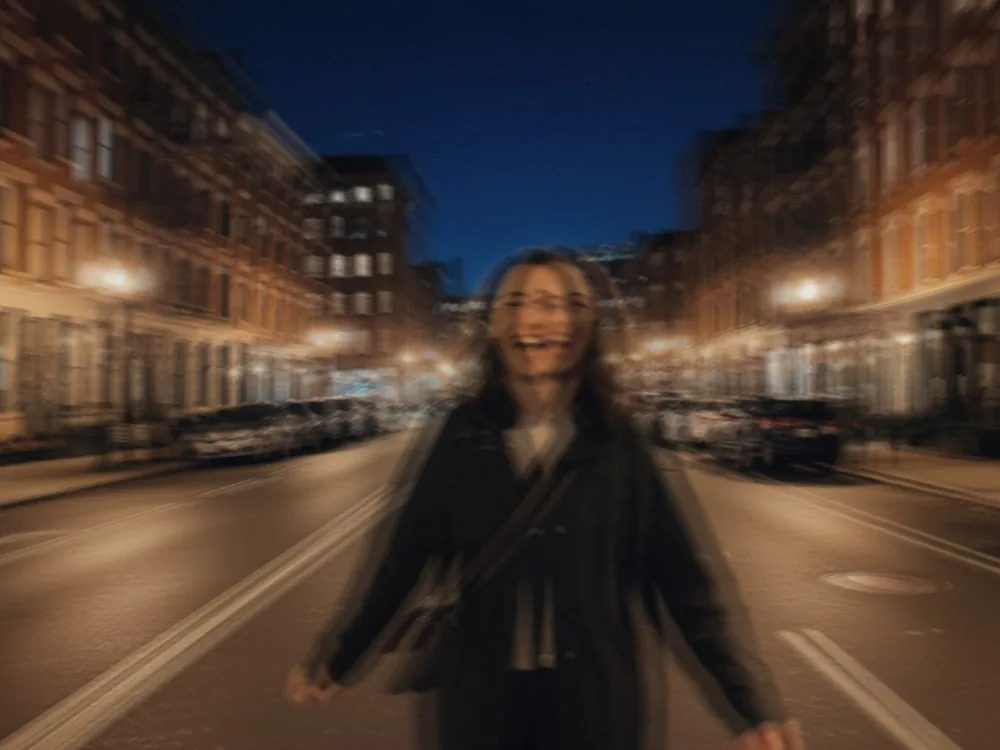
Same photo. Same framing. The detail was reconstructed, not painted over — the face is still the same face.
The honest limits
AI deblur is good, not magic. It works best on faces and people, because that's what the models know best. A slightly blurred landscape recovers beautifully; a photo so blurry that no face is detectable at all has nothing to reconstruct from. If the subject's features are completely gone, no tool on earth will bring them back — anyone who promises otherwise is selling you something.
A good rule: if you can still recognize the person, AI can probably fix the photo.
One-tap deblur, no subscription trap
We built the fix into Refire as a single preset: Fix Blur. Upload the soft photo, tap once, get the sharp version back — same crop, same face, just crisp. If the photo is too far gone, the retake fails and your credit comes back automatically; you never pay for a result you didn't get. Pricing is on our pricing page — no weekly charges, and photos are deleted after processing.
Blurry isn't deleted. It's just waiting for a second take.