
How to Fix a Backlit Photo (When Faces Go Dark)
Bright window behind you, faces in shadow? Here is how to fix a backlit photo — from free exposure tricks to an AI lighting retake that keeps looking like you.
 RefireCam Team
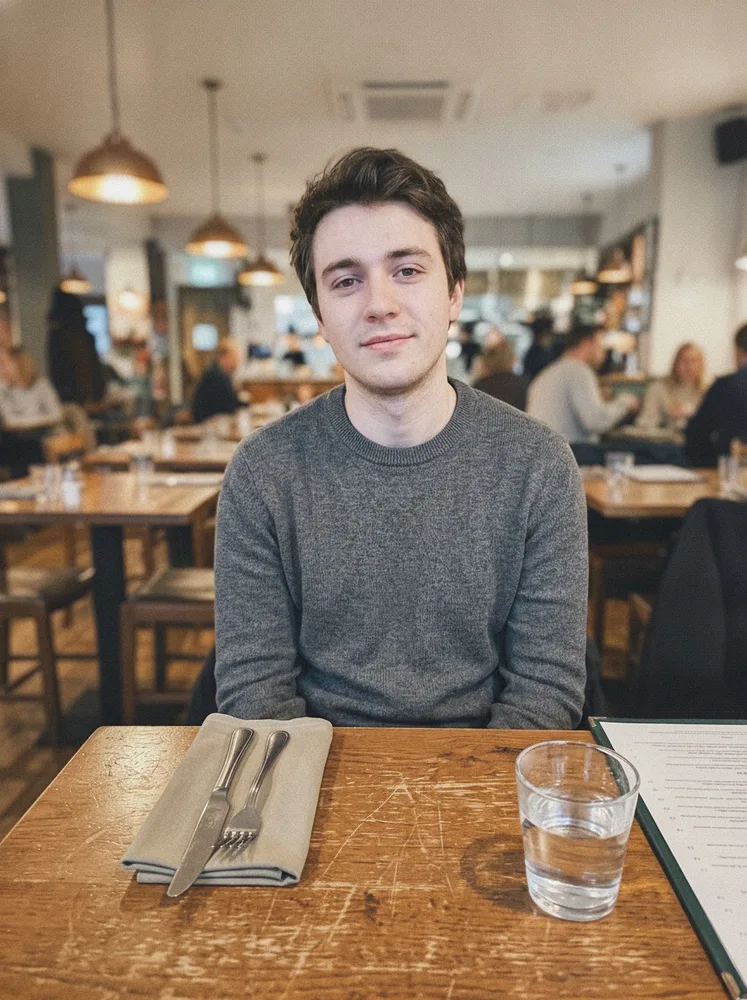
The sky looks great. Your face does not.
That is the classic backlit shot: strong light behind the subject, faces underexposed, maybe a harsh rim of light around hair. Phones try to balance it and often fail. You get a silhouette with a bright rectangle of window behind it.
You do not need a studio. Here is how to fix a backlit photo, from free checks to a one-tap AI retake.
Why backlit faces go dark
Cameras meter for the bright background first. Your face sits in relative shadow. Raising exposure later can lift the sky into white mush. Lowering it keeps the sky and kills the face. Same family of problem as a plain dark photo — but the contrast between face and background is the real enemy.
Fix 1: Check HDR / Live Photo frames (free)
On iPhone, open the shot and see if HDR already saved a flatter version. For Live Photos, scrub frames — sometimes a half-second earlier the phone had not yet locked exposure on the window.
On Android, check any "night" or "HDR" version the camera kept alongside the main file.
Fix 2: Selective brighten (manual)
Phone editors let you brush exposure onto faces. It works when the face is only a stop down. Push harder and you get gray noise, weird white eyes, and a plastic forehead. Fine for a quick Story. Weak for a keepsake group shot.
Desktop curves + masks are better — and slower. Most people abandon them after one wedding album.
Fix 3: What will not save a backlit portrait
- Global brighten. The window blows out before the face looks natural.
- "Enhance" that only adds contrast. It often deepens the silhouette.
- Heavy beauty filters. They smooth skin in the shadow and invent texture that is not yours.
If the tool does not understand faces versus background light, it cannot relight you.
Fix 4: AI lighting retake (one tap)
Modern AI photo retake tools rebuild face lighting while keeping identity, clothes, and scene. A good result keeps:
- Identity — still you, not a stranger with your haircut.
- Scene — the bright window can stay bright; it just stops owning the exposure.
- Everyone else — in a group, only the underexposed faces need help.
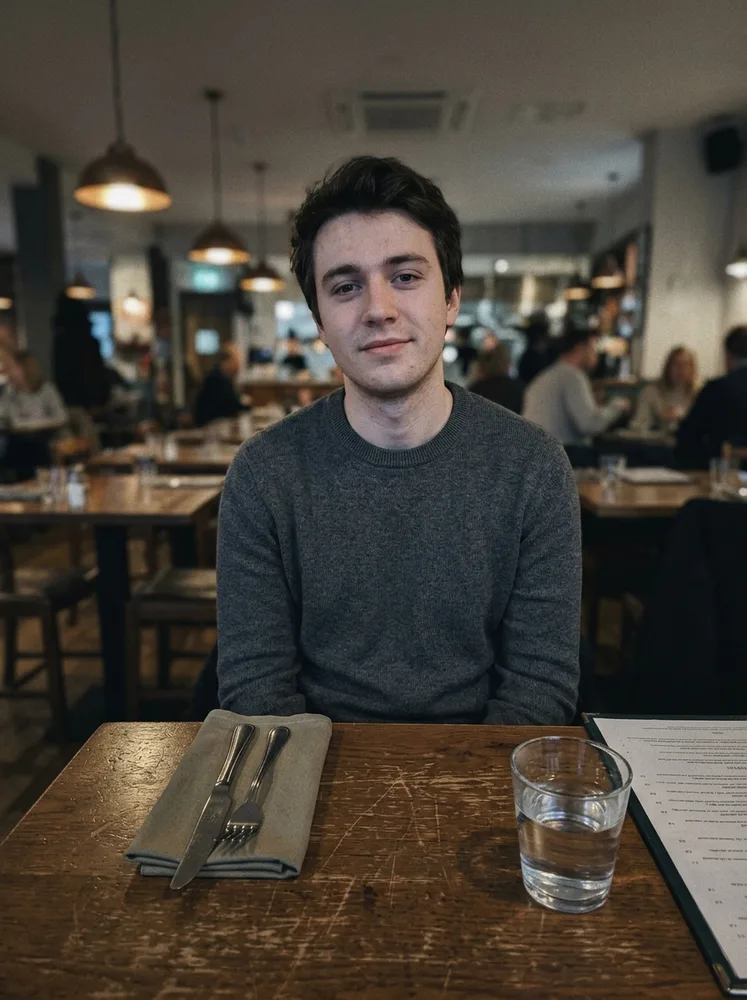
Seconds. No "everyone stand in the shade and try again."
When to use which fix
- HDR or another frame exists? Try that first.
- Slight underexposure, face still visible? Manual brush may be enough.
- Silhouette against a window or sunset, one irreplaceable shot? AI lighting retake.
We built RefireCam for almost-perfect photos — blinks, blur, expressions, and lighting — without turning your face into a filter. Upload the shot, retake the part that went wrong, keep the rest. See pricing. Photos are deleted after processing.
Related: fix bad lighting, fix a blink, fix a blurry photo.
Do not delete the photo. Fix the light on the face.