
How to Fix a Wedding Group Photo (Blink, Blur, Awkward Faces)
Someone blinked in the wedding group shot? Here is how to fix a wedding group photo after the fact — Live Photo frames, honest expectations, and AI retake for eyes, smiles, and light.
 RefireCam Team
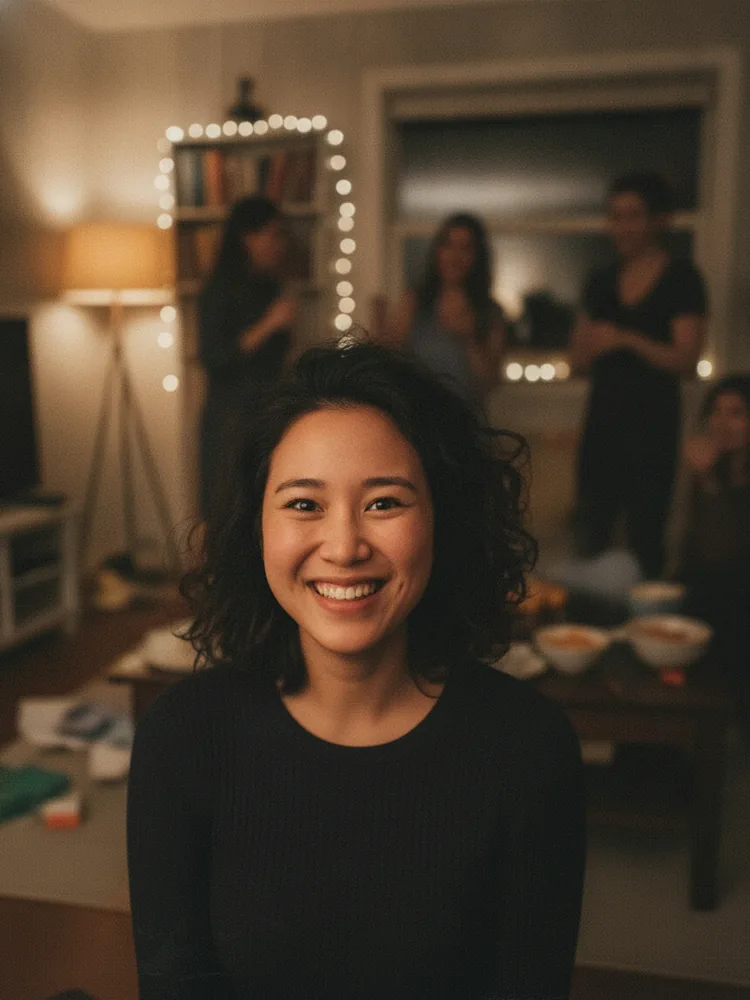
The toast was perfect. The group photo was not.
One cousin blinked. An uncle blurred mid-laugh. The bride's friend froze a "cheese" smile. Guests already left for the dance floor. You will not rebuild that lineup.
Here is how to fix a wedding group photo without a full reshoot — and without pretending AI can replace a photographer's album.
What usually breaks wedding groups
- Blinks — more faces = higher odds someone eyes-closed. See also fix a blink.
- Motion blur — toasts, kids, wind on dresses. See fix blurry.
- Forced smiles — people hold the pose too long. See awkward smile.
- Backlight — ceremony doors, golden-hour windows. See backlit / lighting.
You rarely need "wedding photo editing" as a full service keyword. You need one face rescued in an otherwise good frame.
Fix 1: Live Photo / burst before anything fancy (free)
Photographers and guests both shoot Live or continuous. Open the file → scrub frames. Often the blink is only one frame; the next is usable.
Caveat: the "good eyes" frame can be the "bad smile" frame for someone else. Trade carefully.
Fix 2: Ask the photographer (when you hired one)
Pros already shoot backups and often fix blinks in delivery. Message them with the timestamp and face. Do this before you run consumer AI on the official file — some contracts care about edits.
If this was a guest phone shot, you are the editor of record. Continue below.
Fix 3: What not to do to a wedding keep
- Do not run a heavy beauty filter on the whole bridal party. You will get plastic skin and family arguments.
- Do not generative-fill a missing relative who was never in frame and pass it off as documentary truth.
- Do not pay a random "$9.99/week" app without reading cancel steps — see our note on weekly photo app pricing.
Fix 4: AI retake on the one bad face
AI photo retake tools can open eyes, soften a smile, or relight a face while leaving the dress, venue, and everyone else alone. That is the point of a retake: identity-preserving, not a new person.
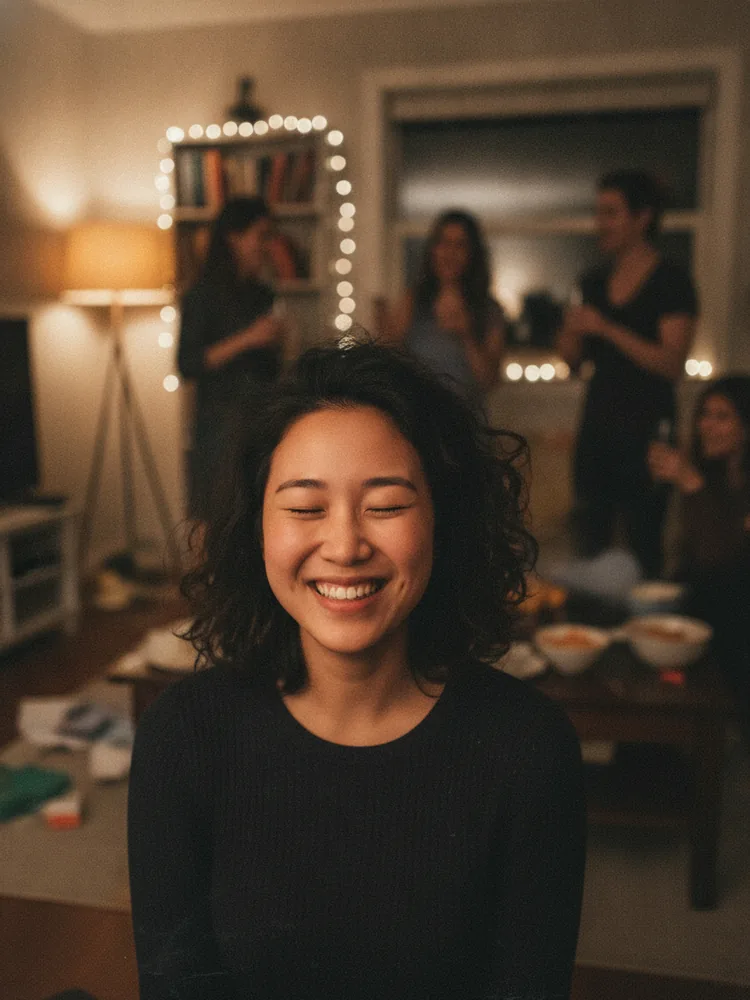
Use it when: one irreplaceable frame, one fixable face problem, no better Live frame.
When to leave it alone
Candid tears, messy hugs, imperfect cake cuts — those are the wedding. Fix technical fails (blink/blur/exposure). Do not sand away the day.
Soft next step
RefireCam is built for almost-perfect keepsakes: blink, blur, expression, lighting. Upload the group shot, retake the part that went wrong. Pricing is listed plainly. Photos deleted after processing.
Related: family group photos, what AI retake means.
Keep the toast. Fix the blink.